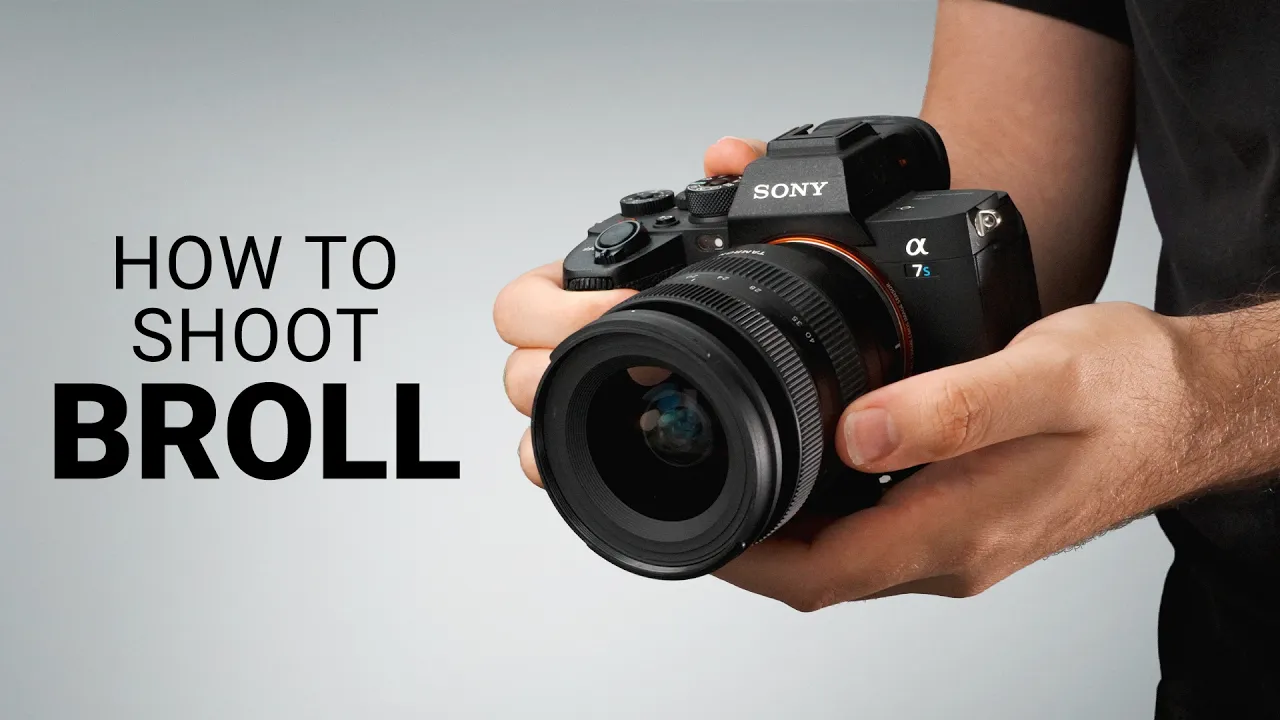
Sony Picture Profiles Explained: Get Better Colors In Camera!
20268 min
Get cinematic colors straight out of your Sony camera without color grading!
⭐️ Our free YouTube growth class reveals 3 essential secrets we're using to get more views, subscribers, and income—watch here ➡️ http://ThinkMasterclass.com
This video is NOT sponsored. Some of the links below are sponsored or affiliate links. This means I may earn a small commission if you buy something, or get paid when you click on them.
=============================
All Products and Gear Mentioned in this video
=============================
Sony ZV-E10 II 👉 https://geni.us/XsC1y
Sony A7 IV 👉 https://geni.us/hhMWFY
Sony A7 V 👉 https://geni.us/XHRkdQR
Sony FX3 👉 https://geni.us/CZ7EoJr
🕶️ Variable ND Filters 👉 https://geni.us/layfheb
🎬 Watch Next: https://www.youtube.com/watch?v=jK_nYq4ZpgY&t
===========================
Connect with us!
=============================
Tik Tok: ➡︎ https://www.tiktok.com/@thinkmediaofficial/
IG: ➡︎ https://www.instagram.com/officialthinkmedia/
===========================
Subscribe and Listen to the Think Media Podcast HERE:📱
===========================
➡︎YT: @ThinkMediaPodcast
➡︎Apple: https://apple.co/2F3tmIS
➡︎Spotify: https://spoti.fi/36qevE8
⏰ Timecodes ⏰
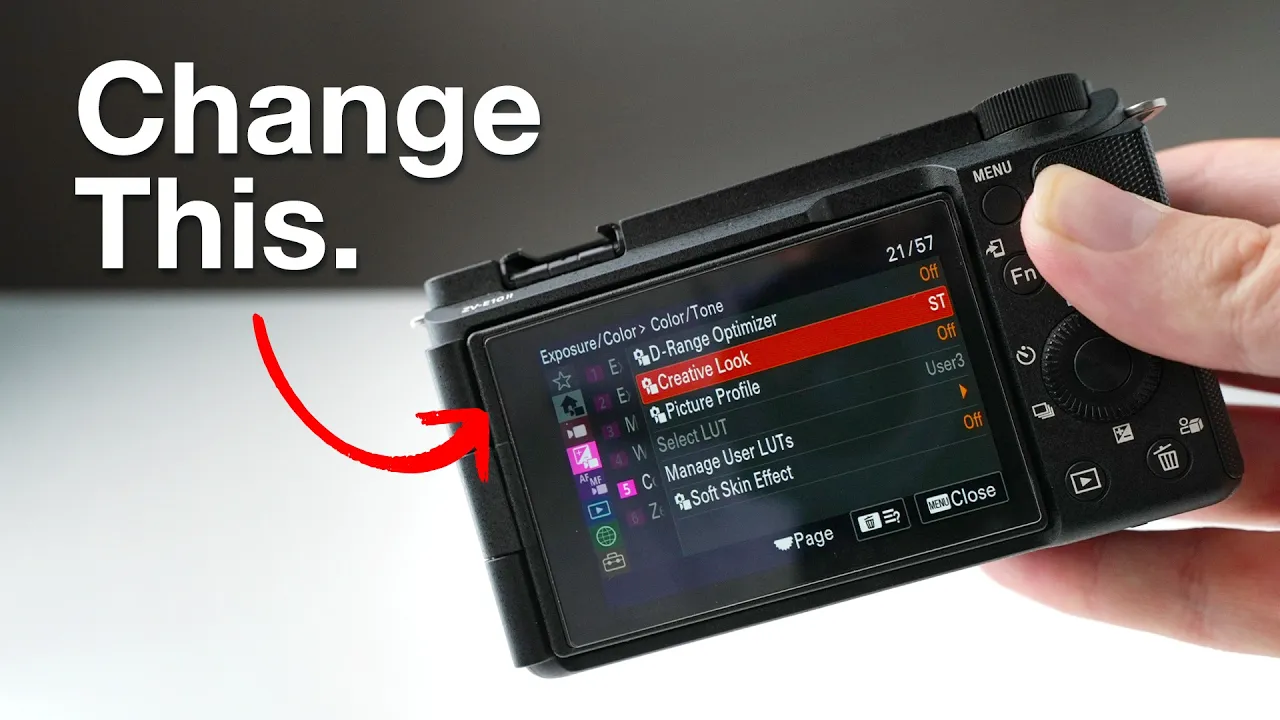
0:00 - Are You Using the Wrong Sony Picture Profile?
0:40 - Straight Out of Camera vs. Color Grading Workflows
1:13 - How to Setup Sony Creative Looks for Beginners
2:45 - Film Look (FL) Custom Settings
4:04 - What Is S-Cinetone & Who Should Use It?
5:10 - Pros and Cons of Shooting in S-Log 3 Worth
6:22 - Side-by-Side Comparison: Creative Looks vs. S-Cinetone vs. S-Log 3
6:50 - How to Color Grade S-Log 3 in DaVinci Resolve
===========================
Here are the ways to work with us here at Think Media:
===========================
⚡️FREE CLASS: Watch our FREE YouTube class here: ➡︎ http://ThinkMasterclass.com
⚡️BOOK: Check out the #1 best-selling book YouTube Secrets here: ➡︎ https://ytsecrets.com/
⚡️For Support inquires, or Business inquiries, please go to ➡︎ http://ThinkMediaSupport.com
⚡️Join our YouTube Course & Community TODAY with this special limited-time bundle at: http://joinvra.com
===========================
Connect with Sean Cannell on Social Media:
===========================
➡︎https://www.linkedin.com/in/seancannell/
➡︎https://twitter.com/seancannell
➡︎https://instagram.com/seancannell
===========================
What We Use For Music:
===========================
🔥 Get a 7-day free trial for new personal and commercial plan here! ➡️ http://thinkmediasounds.com
===========================
In-Depth Channel Analytics and Ideas
===========================
Get a 30-Day trial of vidIQ's Boost plan for just $1 here: 👉 http://vidiq.com/think
===========================
#thinkmedia #seancannell #thinkmediapodcast
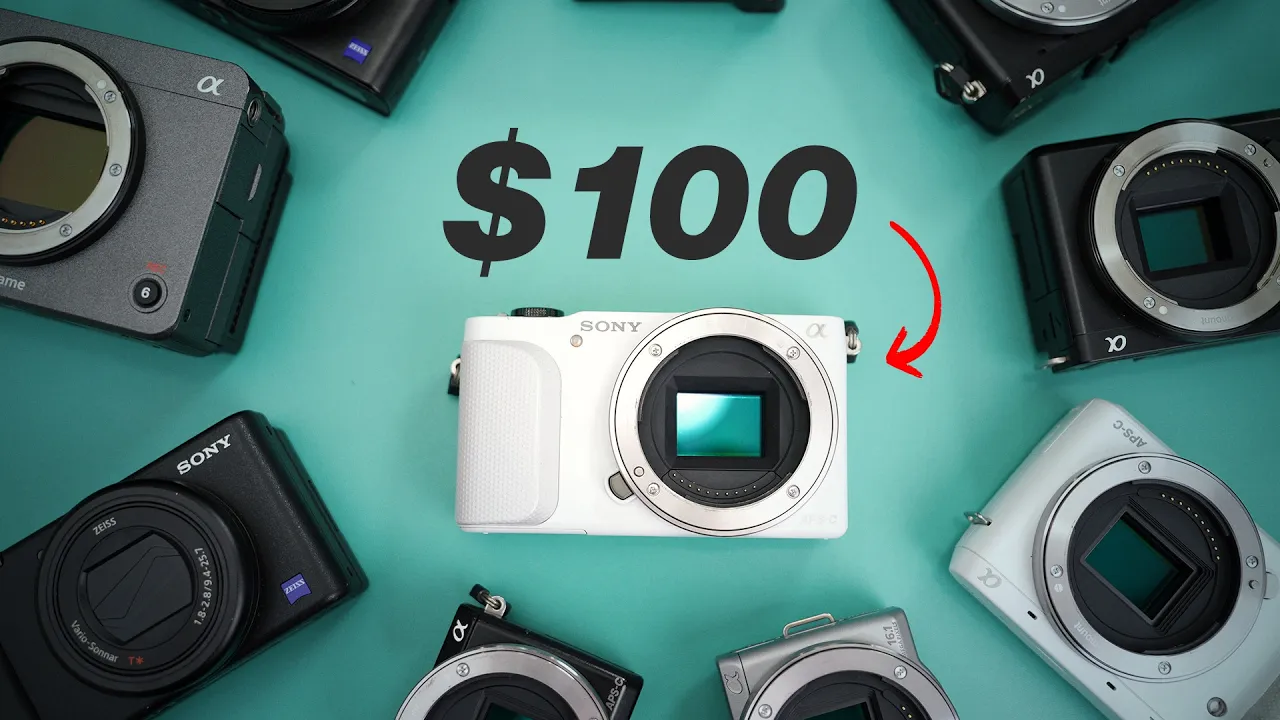
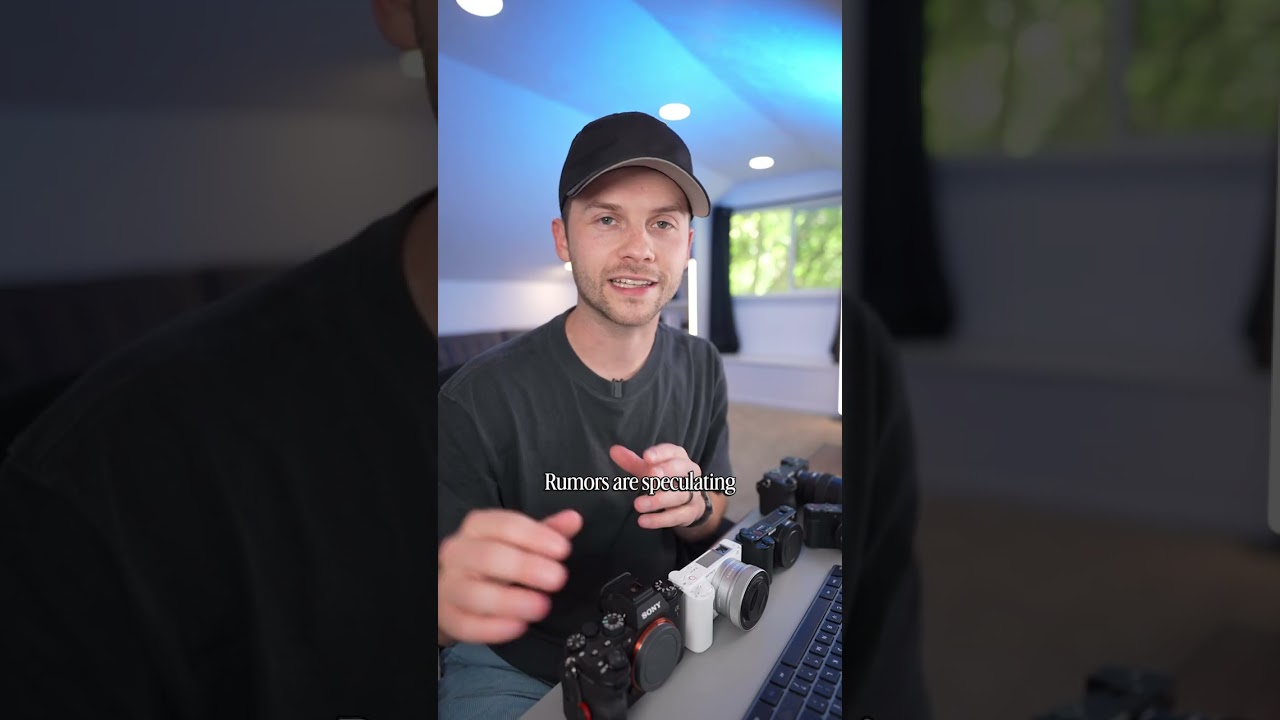
Are your Sony camera colors looking flat, greenish, or lifeless? You might be shooting in the wrong picture profile! In this video, we break down every major Sony color profile to help you choose the best setting for your specific workflow.
We explore straight-out-of-camera Creative Looks (Standard vs. Natural vs. Film Look) and reveal Nate's custom "Film Look" settings for instant cinematic YouTube footage. We also compare the fast turnaround benefits of S-Cinetone against the maximum dynamic range of S-Log 3, break down base ISO rules, and run a side-by-side visual test of all four profiles!
Our mission here at Think Media is to help purpose-driven entrepreneurs go full-time doing what they love and making an impact through the power of video.
Disclaimer: Please see the link for our disclaimer policy for all of our videos on the Think Media and Think Media Podcast YouTube channels. https://go.thinkmedia.com/youtube-disclaimer
You cannot order from yourself. Manage this offer in your panel.
This creator has not set their rates yet. Send a request and we will pass it on — the price is agreed before anything is charged.
Monthly participation
per month
A recurring seat in my content. Subscribers enter a queue — or a random draw when there are more subscribers than slots — and appear in the video itself, in the credits, or in the description.